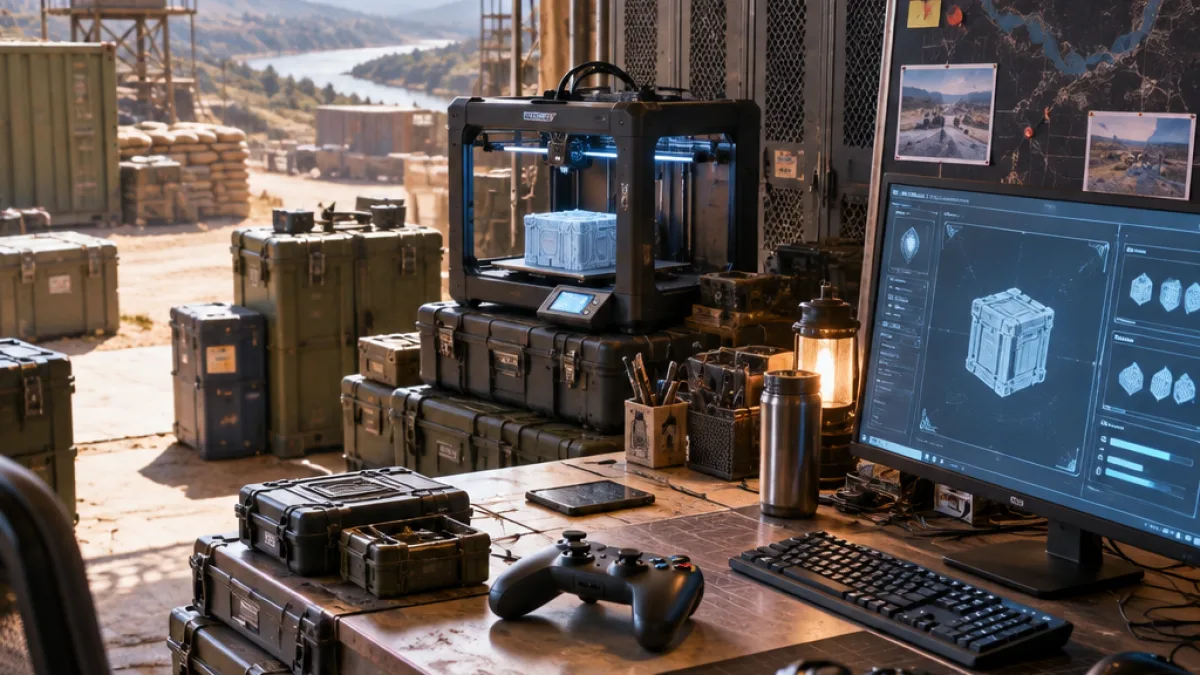
Players returning from missions in Call of Duty: Modern Warfare 4 DMZ will use the Forward Operating Base as their main progression hub. The FOB connects Operators, missions, inventory, loadouts, crafting and other systems between deployments in the Hajin Exclusion Zone.
The base is not fully equipped from the beginning. Several services are available immediately, while others require a specific DMZ Player Level or progress through the game’s orders. Understanding those requirements helps players decide which resources to retain after an extraction and which improvements to pursue first.
The 3D Printer is the first major upgrade
The most important early milestone is the 3D Printer, which becomes available at DMZ Player Level 2. The station allows players to craft equipment and complete upgrades that improve the FOB itself. That makes it an early target for players building a progression plan between operations.
As experience and mission progress unlock more services, the FOB expands beyond basic preparation. The Boss Board becomes available after completing the second DMZ Order, while the Vendor and Gunsmith are tied to higher player levels. The Vendor requires DMZ Player Level 5, and the Gunsmith requires DMZ Player Level 10.
| FOB station | Unlock requirement | Main function |
|---|---|---|
| Operators | Available immediately | Manage and select Active Duty Operators |
| DMZ Orders | Available immediately | Review missions and objectives |
| Stash and Loadout | Available immediately | Store recovered items and prepare equipment |
| Firing Range | Available immediately | Test weapons and practice aiming |
| 3D Printer | DMZ Player Level 2 | Craft gear and upgrade FOB stations |
| Boss Board | Complete the second DMZ Order | Purchase intelligence on Lieutenants and prepare for boss hunts |
| Vendor | DMZ Player Level 5 | Purchase weapons and equipment with DMZ Cash |
| Gunsmith | DMZ Player Level 10 | Customize weapons |
How to prioritize FOB progress
The FOB’s systems are designed to make each successful extraction contribute to longer-term progression. Before deploying, players can check their current level, available orders and the next station or upgrade they want to unlock. That preparation gives recovered materials a clear purpose instead of treating every item as equally valuable.
- Use the early FOB services to manage Operators, missions, recovered items and equipment.
- Work toward DMZ Player Level 2 to unlock the 3D Printer.
- Complete the second DMZ Order to open the Boss Board.
- Reach DMZ Player Level 5 for the Vendor and Level 10 for the Gunsmith.
The arrangement also gives the FOB a gradual role in the DMZ loop. Initial services support preparation and equipment management, the 3D Printer introduces crafting and base upgrades, and later stations add purchasing, intelligence and weapon customization. Players in the Philippines and Southeast Asia can therefore treat the FOB as the central checklist for progression rather than as a separate menu with unrelated upgrades.
Each deployment ultimately feeds back into that structure: missions provide objectives, extractions preserve recovered resources, and accumulated experience opens additional services. Keeping the next requirement in view is the clearest way to connect activity in the Hajin Exclusion Zone with improvements at the Forward Operating Base.