GTA 6 is available on PlayStation 5, PlayStation 5 Pro, Xbox Series X, and Xbox Series S, but none of the current console versions includes a Performance, Quality, or Balanced graphics mode. Rockstar’s confirmed target is 30 frames per second across all four systems.
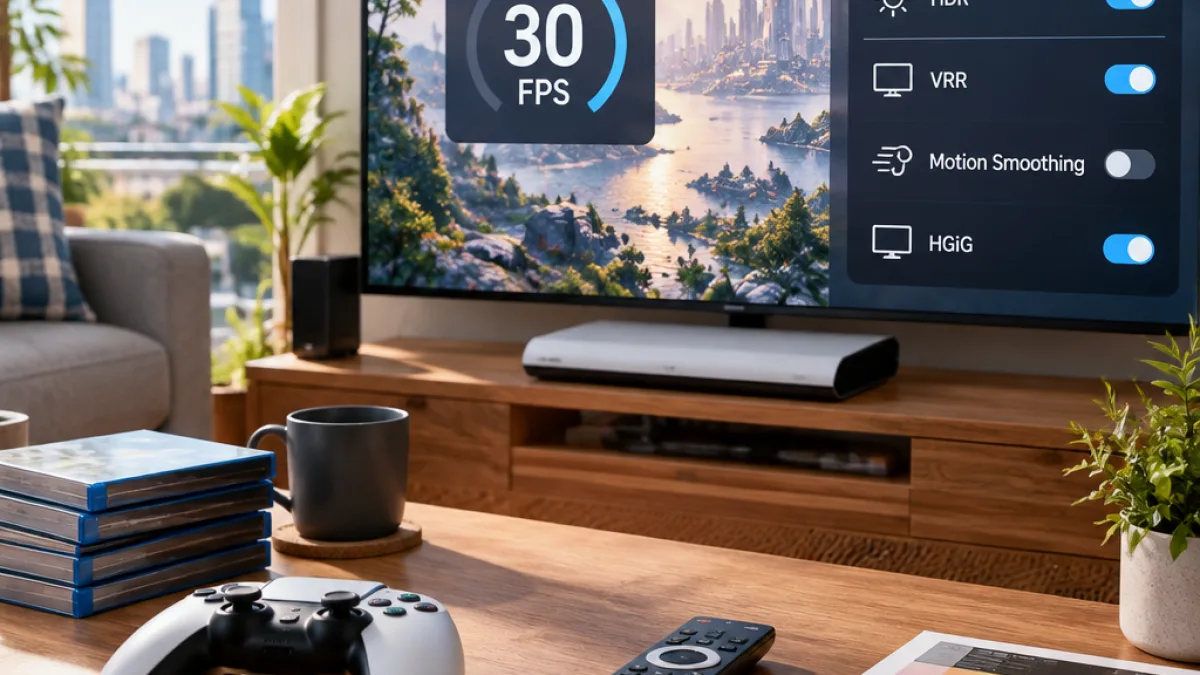
That fixed target means players cannot use the game’s settings to unlock 40 FPS or 60 FPS. The published console guide instead focuses on reducing display latency, calibrating HDR correctly, and adjusting camera, aiming, interface, and visual-effect options. Those changes can affect how the fixed 30 FPS presentation appears and responds, but they do not change the game’s frame-rate limit.
How the console versions compare
According to the guide, the PS5 Pro uses PSSR for a reconstructed 4K image and adds ray-traced shadows automatically. Players do not need to activate those features through a separate graphics menu. The standard PS5 and Xbox Series X offer similar reconstructed image quality, while the Xbox Series S uses a softer 1080p presentation.
| Console | Image and performance information |
|---|---|
| PS5 Pro | Sharp reconstructed 4K image and the most stable 30 FPS performance |
| PS5 | Reconstructed 4K output with occasional frame-rate dips in busy scenes |
| Xbox Series X | Similar image quality and performance to the standard PS5 |
| Xbox Series S | Softer 1080p presentation with frequent drops below 30 FPS |
Recommended TV and console options
The guide recommends making changes on the television and console before adjusting GTA 6’s own options. The aim is to keep HDR calibration accurate and limit the delay between controller input and the action displayed on screen.
- Use Game Mode as the TV picture preset.
- Turn motion smoothing and AI or dynamic picture enhancement off.
- Set HGiG to on when the television supports it, and turn Dynamic Tone Mapping off when using HGiG.
- Set Auto Low-Latency Mode to on or automatic.
- Turn HDR on when supported.
- Set VRR to on or automatic.
For resolution, the guide recommends Automatic on PS5 and 4K UHD on Xbox Series X. It also recommends setting 120 Hz output to Automatic on PS5 and enabling it on Xbox when the display supports it. These output settings do not raise GTA 6 above its 30 FPS target; they are intended to let the console and television use compatible display features correctly.
What PS5 Pro owners should expect
PS5 Pro enhancements are handled automatically rather than through a selectable graphics preset. The guide identifies reconstructed 4K output, PSSR, and ray-traced shadows as part of the upgraded console’s presentation, while still describing the system as targeting 30 FPS. The standard PS5 can experience occasional dips in busy scenes, and the Xbox Series S can drop below 30 FPS more frequently, according to the published comparison.
For players in the Philippines using one of the listed consoles, the main distinction is therefore not a choice between performance and quality modes. GTA 6 currently presents a single 30 FPS target on these platforms, with the console model and television settings affecting image reconstruction, shadows, HDR behavior, variable refresh support, and the possibility of frame-rate drops in demanding scenes.