An investigation has linked recurring stutters on some GIGABYTE GeForce gaming PCs to a conflict between GIGABYTE Control Center and NVIDIA graphics-driver updates, rather than to the AMD Ryzen processor initially blamed by the affected user. The report is relevant to PC players using GIGABYTE graphics cards with RGB lighting, although the findings described so far concern specific hardware and software combinations.
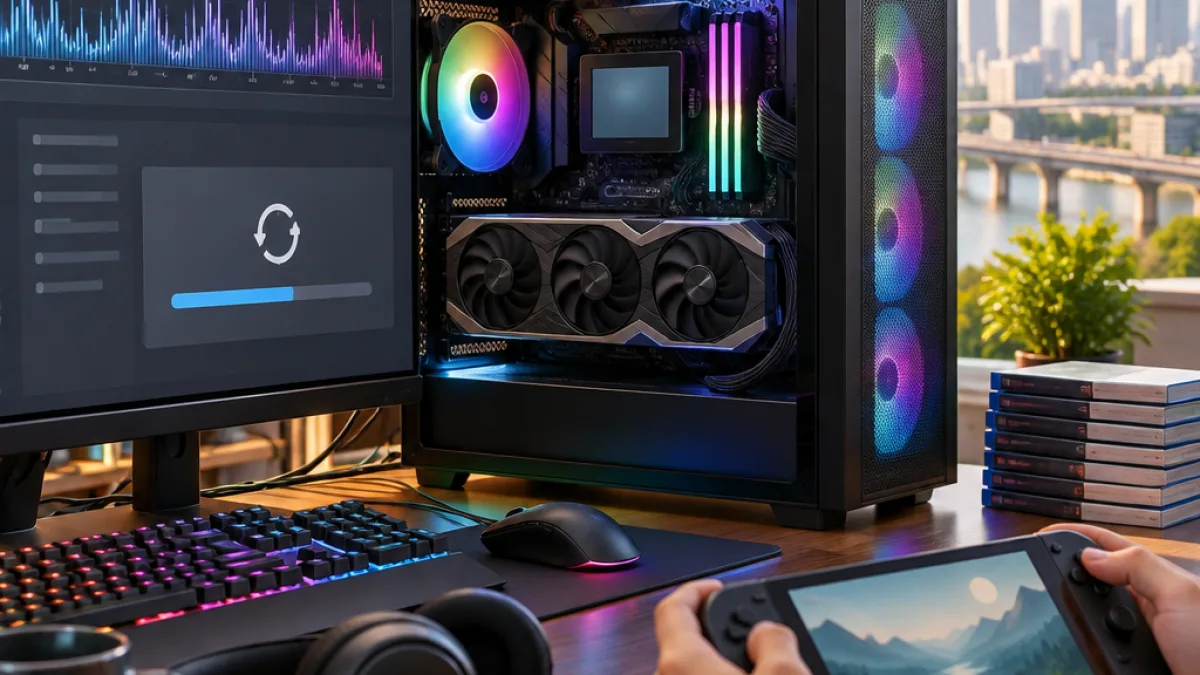
TweakTown reported on the investigation by Bilibili creator 51972, whose team examined a gaming PC built around a GIGABYTE GeForce card with RGB lighting and a built-in mini display. The user had experienced frequent stutters and lag after installing a new AMD Ryzen 7 9800X3D processor. After roughly a month of analysis and reverse engineering, the investigation reportedly identified the graphics card's lighting commands as the source of the frame-time spikes.
How the lighting conflict was identified
The team reproduced the issue on matching hardware using a clone of the user's drive. According to TweakTown, the timing of the frame-time spikes followed the rhythm of the card's RGB animation. That connection points to micro-freezes occurring when GIGABYTE's lighting software communicates with the graphics card while NVIDIA's driver is operating, rather than showing that the Ryzen 7 9800X3D itself is defective.
The report says similar complaints have been associated with GIGABYTE GeForce RTX 50-series cards, including the AORUS RTX 5080 and RTX 5090. That does not establish that every card or every system in those ranges is affected. The reported fix is also described as hardware-specific, so the findings should not be treated as a universal explanation for stuttering across GeForce PCs.
| Reported detail | Information available |
|---|---|
| Software involved | GIGABYTE Control Center and NVIDIA graphics-driver updates |
| Reported symptom | Frame-time spikes, stutters and lag during RGB animation |
| Cards mentioned | GIGABYTE GeForce cards, including AORUS RTX 5080 and RTX 5090 |
| Recent software change | 26 November update targeting stability |
What affected PC owners can check
TweakTown says a 26 November update targets stability. The report also indicates that using static lighting may help with the stuttering, although it presents that as a possible workaround rather than a guaranteed solution. Because the reported cause depends on the graphics card and software configuration, players in the Philippines and Southeast Asia should verify their own GIGABYTE hardware and Control Center version before assuming that a similar symptom has the same cause.
The reported dismissal of GIGABYTE's Control Center team remains unconfirmed. The available account therefore supports a narrower conclusion: an investigation reproduced stutters connected to RGB animation on specific GIGABYTE GeForce hardware, and a recent stability update may address part of the problem. It does not confirm a company-wide staffing decision or show that disabling RGB lighting resolves every GeForce performance issue.
- The investigation connected frame-time spikes to RGB animation on a GIGABYTE GeForce system.
- The issue was reported with GIGABYTE Control Center interacting with NVIDIA driver updates.
- A 26 November stability update and static lighting were identified as possible ways to reduce the problem, while the alleged team dismissal remains unconfirmed.